
- You cannot add that amount to the basket — we have 1 in stock and you already have 1 in your basket. View basket
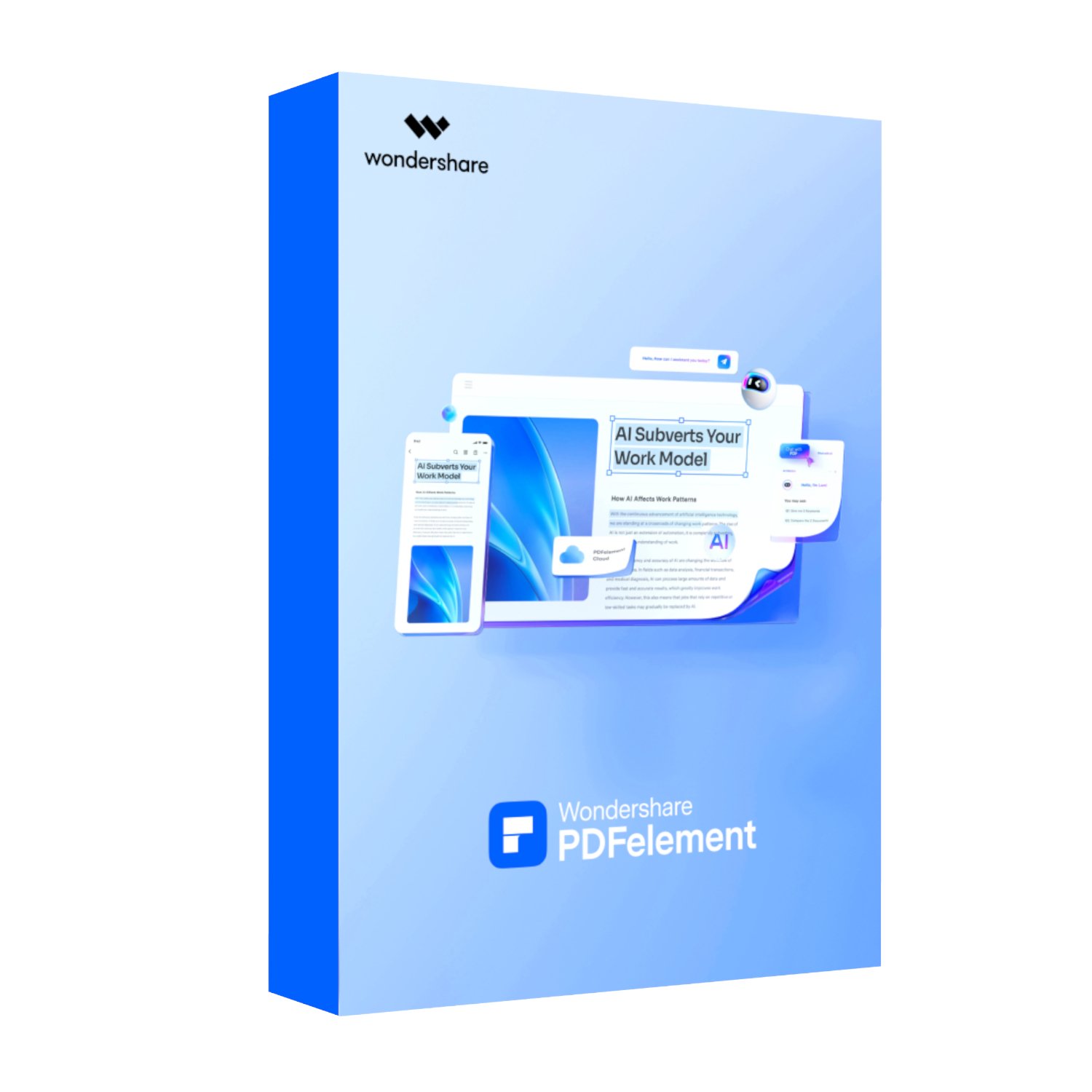
Wondershare PDFelement Professional for Mac Individual (Digital Perpetual License)

R2 119,00
Out of stock
Professional PDF Editing Made Simple
The Wondershare PDFelement for Mac Individual is a powerful all-in-one PDF solution designed to help professionals, students, and businesses streamline their document workflows. With its intuitive interface, you can edit text, images, headers, footers, and even scanned documents with ease using advanced OCR technology. Features like background customization, watermarking, Bates numbering, and batch processing make it a complete toolkit for anyone who needs precision editing and smooth document management.
Advanced AI and Productivity Tools
Boost efficiency with integrated AI-powered features including PDF AI, intelligent image editing, and automated table recognition. Create, convert, and combine PDFs effortlessly while taking advantage of powerful tools like compression, scrolling screenshots, page organization, and document comparison. The software also provides form creation, XFA support, and data extraction, giving professionals everything they need to manage complex PDF forms. With 50 AI trial uses included, you’ll experience how cutting-edge technology enhances productivity.
Secure and Reliable Document Protection
Keep sensitive data safe with robust security features such as password protection, redaction, removal of hidden data, and certified digital signatures. The built-in firewall-grade security prevents unauthorized access, while eSign tools allow up to 3 electronic signature requests, making contract approvals and workflow automation faster and more reliable. Combined with annotation tools like highlights, stamps, comments, and measurement functions, PDFelement ensures both collaboration and compliance.
Cloud Integration and Seamless Viewing
The 20GB PDFelement Cloud storage keeps your documents accessible across devices, so you can upload, share, and work anywhere. Convenient features like AI read mode, read aloud, split view, and customizable reading backgrounds ensure an optimized viewing experience. With full compatibility across Mac, and an ergonomic design for everyday use, PDFelement empowers you to handle documents more efficiently than ever before—making it the ultimate PDF software for individuals who demand professional-grade performance.
FEATURES:
- Edit text, images, and scanned PDFs with OCR support
- Create and manage interactive forms with data extraction
- Secure files with password protection and certified digital signatures
- Collaborate with annotations, stamps, and advanced commenting tools
- Compress, convert, batch process, and optimize PDFs
- Access and share documents with 20GB PDFelement Cloud storage
SPECIFICATIONS:
- Save
- Save without Watermark: Yes
- eSign
- Request eSign: 3 times
- AI
- Trial uses for PDF AI: 50 uses
- Generate Image: Yes
- Intelligent Image Editing: Yes
- Edit
- Add Background: Yes
- Edit: Yes
- Watermark: Yes
- Header & Footer: Yes
- Bates Number: Yes
- Tools
- Scan Deskew: Yes
- Compress: Yes
- Scrolling Screenshot: Yes
- Recognize Table: Yes
- Combine PDF: Yes
- Batch Process: Yes
- Compare: Yes
- OCR PDF: Yes
- Convert PDF: Yes
- Create
- Create PDF: Yes
- PDF Template: Yes
- Create Notes: Yes
- Page
- Page Size: Yes
- Rotate Pages: Yes
- Page Labels: Yes
- Page Margins: Yes
- Organize Pages: Yes
- Extract Pages: Yes
- Split PDF: Yes
- Split Pages: Yes
- Crop Pages: Yes
- PDF Form
- Fill Form: Yes
- Create Form: Yes
- XFA: Yes
- Extract Data: Yes
- Protect
- Set Password: Yes
- Redact: Yes
- Sign Document (Digital Certificate Signature): Yes
- Remove Hidden Data: Yes
- Comment
- Highlight Area: Yes
- Add Note: Yes
- Add Stamp: Yes
- Signature (Mouse/Image/Trackpad): Yes
- Set Status: Yes
- Add Checkmark: Yes
- Annotation Gallery: Yes
- Create Comment Summary: Yes
- Add Comment: Yes
- Measure (Distance/Perimeter/Area): Yes
- View
- Auto Bookmarks: Yes
- Tiles (Vertical, Horizontal): Yes
- AI Read Mode: Yes
- Read Aloud: Yes
- Rotate View (Clockwise, Counter Clockwise): Yes
- Reading Background (Day, Eye Protection, Night, Parchment): Yes
- Split View (Vertically, Horizontally): Yes
- Document Cloud
- Storage: 20GB
WHAT’S IN THE BOX:
- Wondershare PDFelement Professional for Mac Individual (Digital Perpetual License) x1
Why Wondershare?
Wondershare is committed to providing innovative software solutions to meet the needs of businesses in South Africa. With a focus on user-centric design and cutting-edge technology, Wondershare PDFelement Professional offers unparalleled value, ensuring your team achieves more in less time. Choose Wondershare PDFelement Professional, a leading PDF editor with OCR, for a partnership that empowers your organisation to thrive.
Related Products

2 in stock

2 in stock

1 in stock
17 in stock

4 in stock